Sleeper + Claude
Connect Sleeper to Claude
Yes: League Loom connects Claude to live Sleeper rosters, matchups, standings, and waiver pools, and because Sleeper data is public, setup needs only your username.
The connector is free and read-only, and it works in ChatGPT too. Add it on a computer, then ask Claude from your phone as well.
Connect your leaguesLooking for ChatGPT setup too? See Connect Sleeper to ChatGPT and Claude.
Looking for Sleeper MCP or API details? See Sleeper MCP server.
Last updated
Reading your Sleeper league live, here is the bye-and-injury sweep across your Week 10 starters.
| Starter | Status | Action |
|---|---|---|
| Jahmyr Gibbs | Bye | Bench, start a healthy RB |
| Sam LaPorta | Bye | Stream a TE |
| Puka Nacua | Questionable | Monitor, hold for now |
Your TE1 is on a bye, so here are the best available TEs on your Sleeper waiver wire for a one-week plug.
| Streamer | Floor | Ceiling |
|---|---|---|
| Hunter Henry | Solid | Modest |
| Cade Otton | Shaky | Higher |
I pulled your Week 10 Sleeper matchup. After accounting for byes, here is where your projected lineup is soft.
| Slot | Your starter | Concern |
|---|---|---|
| RB2 | Bye hole | No healthy replacement started yet |
| TE | Bye hole | Needs a waiver streamer |
| FLEX | Thin depth | Only one bench WR worth flexing |
Your QB, WR1, and WR2 are all healthy and active, so the top of your lineup is fine. The damage is concentrated at RB2, TE, and FLEX.
Illustrative example, not a live league report. Your answer depends on your league data and AI tool.
2 minutes
How to connect
Add the connector in Claude
In Claude, open Settings, then Customize, then Connectors, and choose Add custom connector. Give it a name, paste https://leagueloom.com/mcp as the Remote MCP server URL, then approve the sign-in.
Connect your Sleeper league
Choose Sleeper and enter your username. No password and no cookies, since Sleeper's data is public.
Ask Claude
Claude can now read your Sleeper league. Ask about your roster, start/sit, waivers, trades, and matchups in plain language, across every team you manage.
What the setup page looks like
Screens from leagueloom.com/setup, shown with empty fields. Select a screen to open it full size.
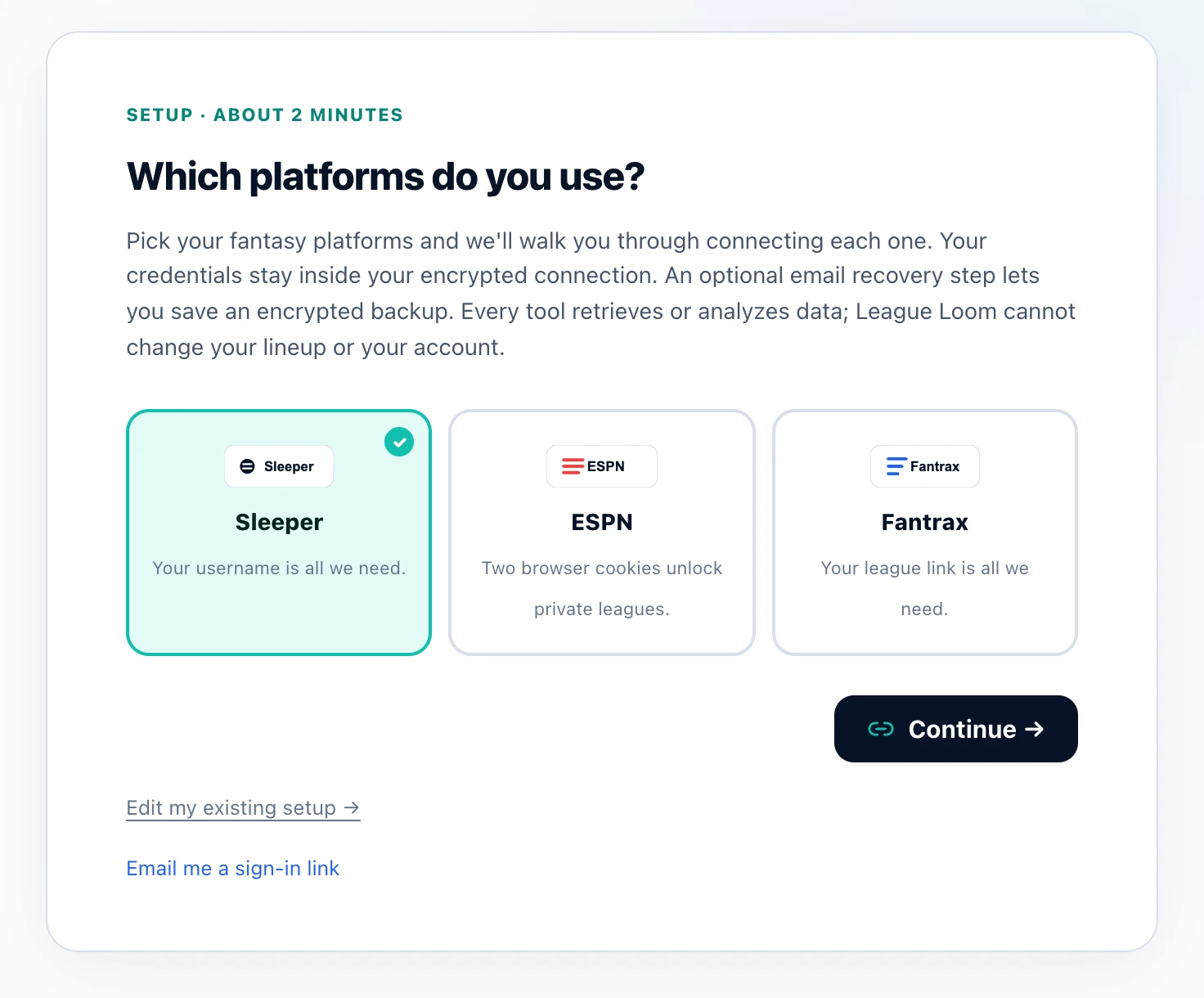
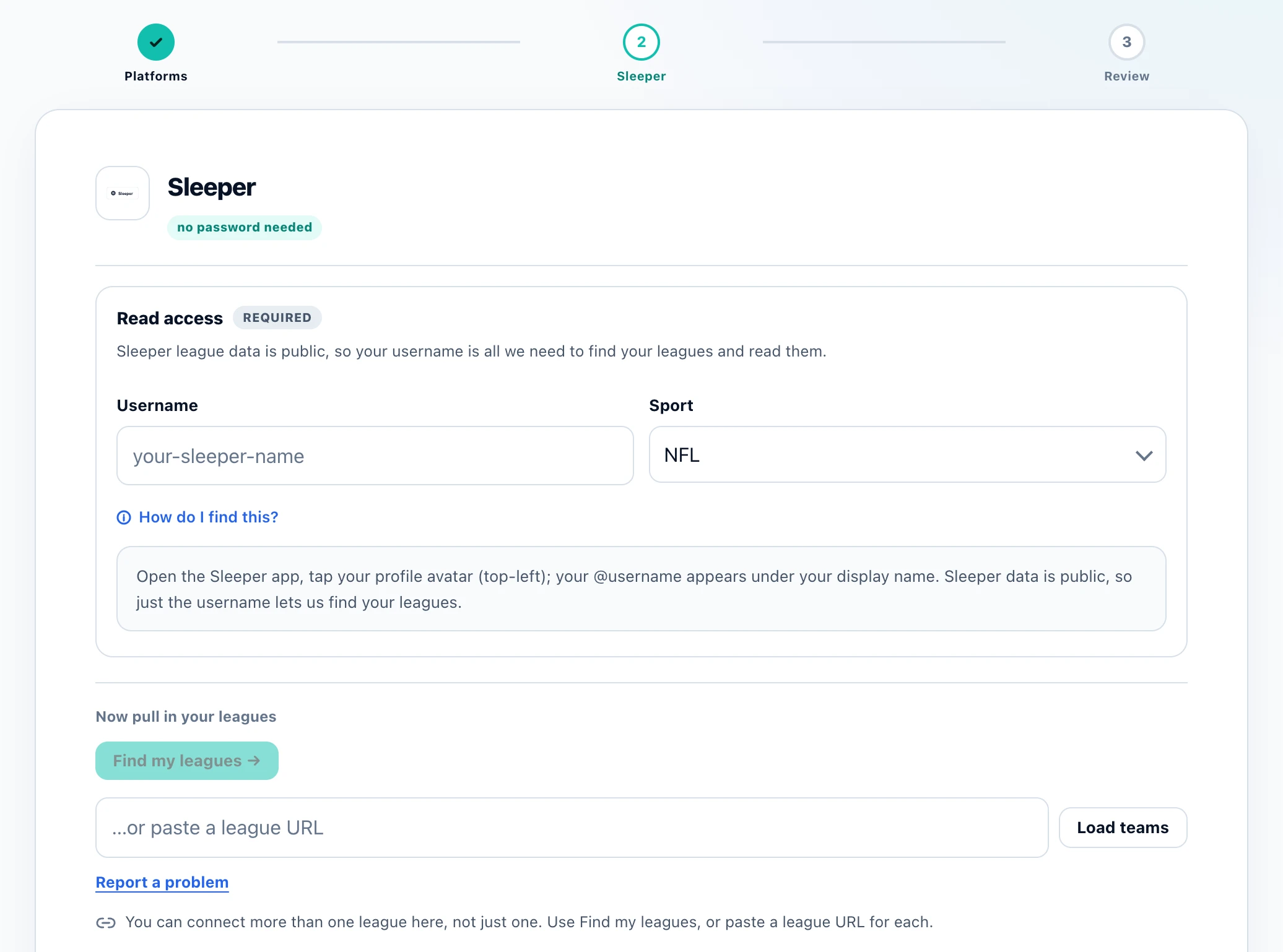
In a phone browser
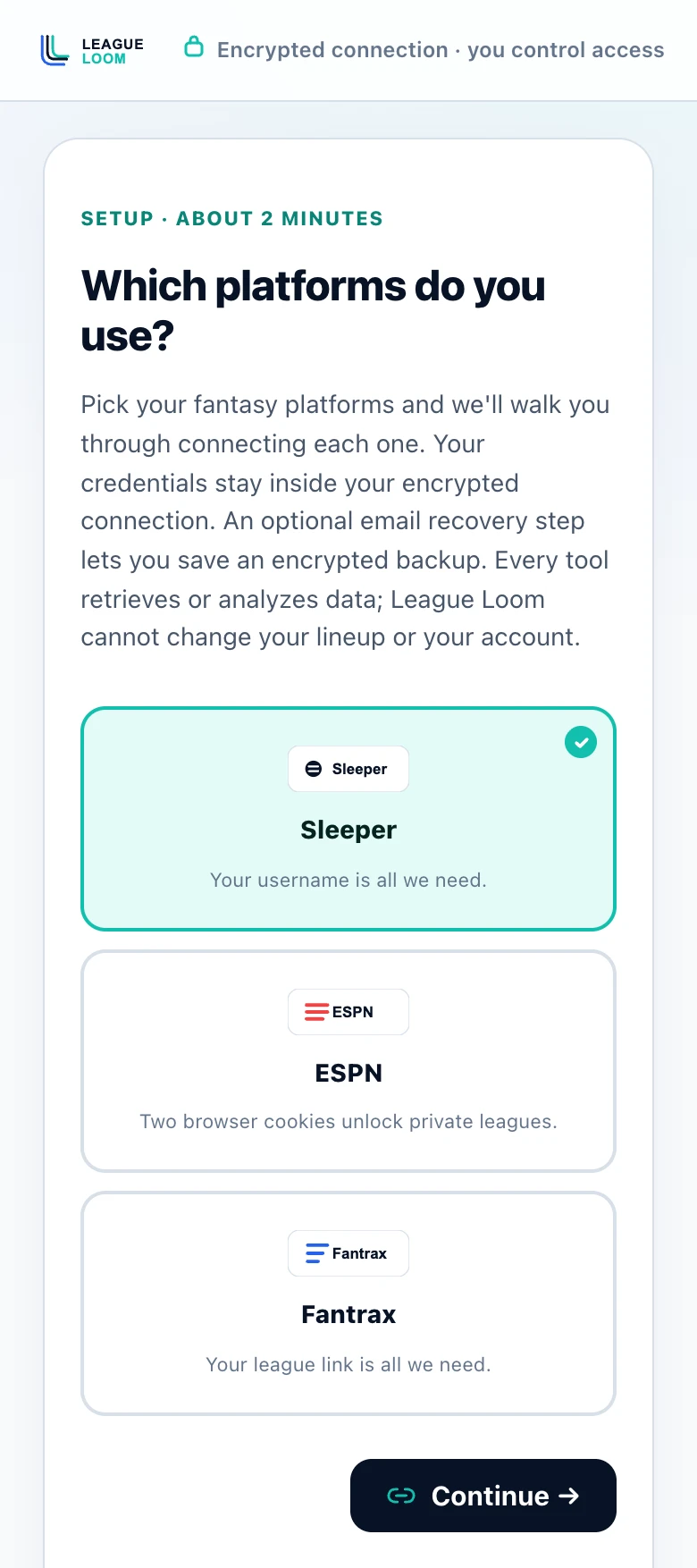
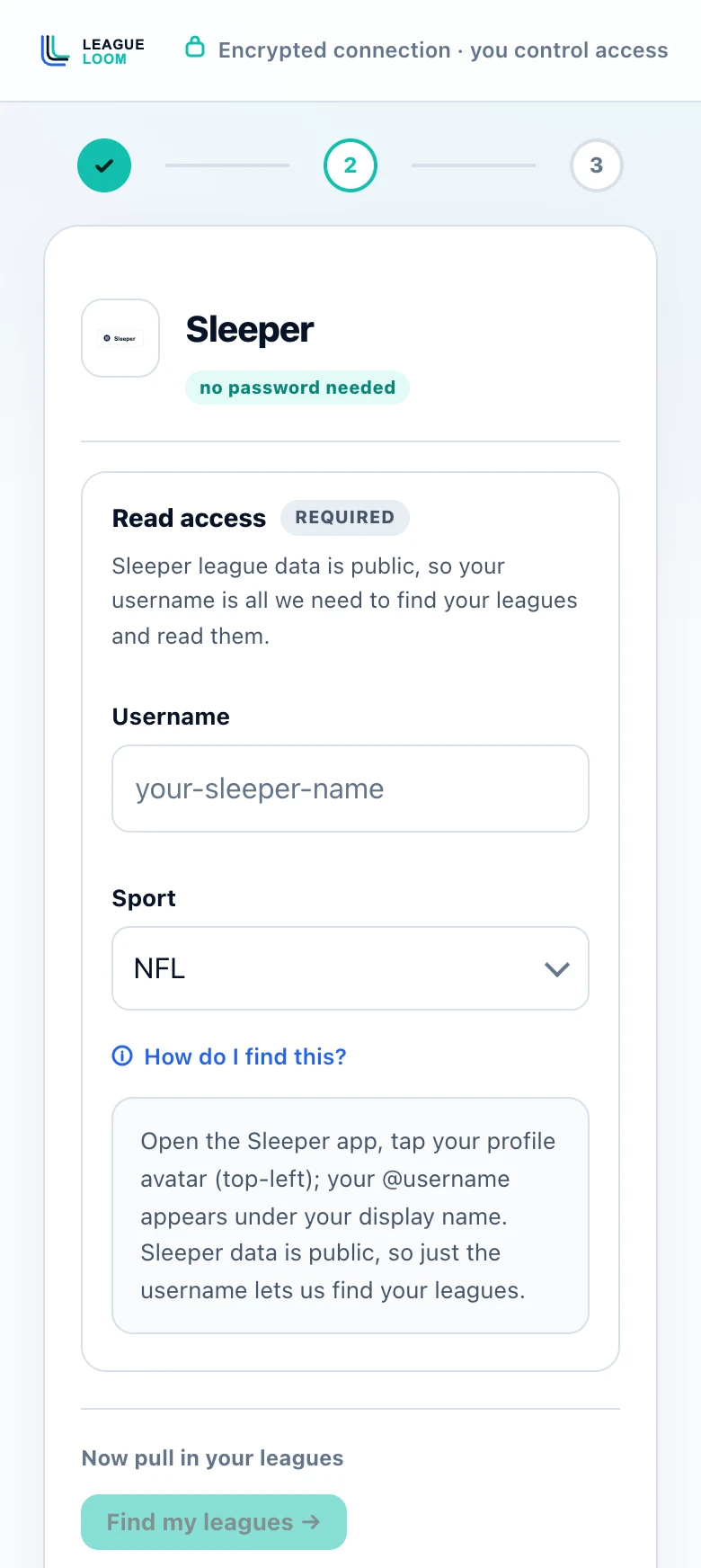
Adding a connector is a job for a computer. Send yourself the link and finish there.
https://leagueloom.com/mcpYour tool asks for a name and this URL. Then connect your leagues in the setup wizard. Personal team selection is optional.
Why League Loom
Sleeper + Claude
Most tools make you hand over a login or paste screenshots. With League Loom and Claude, a Sleeper username connects the live league and brings the answer into the same chat where you think through the decision.
Sleeper league data is public. Every current tool uses data only.
Setup can save optional Sleeper write authorization with both an account token and explicit opt-in, but no write-action tools are registered today.
FAQ
Questions
Do I need my Sleeper password to connect to Claude?
No. Sleeper data is public, so League Loom only needs your Sleeper username to read your league. There is no password to enter and nothing sensitive to store.
Can Claude change my Sleeper lineup or make waiver claims?
No. All current tools retrieve or analyze data, so you set your lineup and submit claims in Sleeper yourself. League access needs only your Sleeper username, which lets League Loom read your league and nothing more.
How do I add League Loom to Claude?
In Claude, add https://leagueloom.com/mcp as a custom connector. Then pick your Sleeper team by username and start asking questions.
Is connecting Sleeper to Claude free?
Yes. League Loom is free, with no subscription or per-league fee. Fair-use request budgets apply, and Claude has its own plan requirements.
Does this work with my Sleeper dynasty or best-ball league?
Yes. League Loom reads your Sleeper leagues by username, so redraft, dynasty, and best-ball formats all show up for Claude to read.
Can I set League Loom up on my phone?
Add the connector on a computer: claude.ai or Claude Desktop, or ChatGPT on the web. What works on a phone afterward depends on the assistant. In Claude, a connector added on the web or desktop is also available in the Claude iOS and Android apps, so you can ask about your leagues from your phone. In ChatGPT, custom apps like League Loom currently run only on the web, not in the ChatGPT phone apps. If you start on a phone, use Send to my computer to email or message yourself the link and finish later.
Before you connect a league, read how League Loom is built, what the privacy policy says is stored, the terms of service and the full FAQ, or check the press kit with key facts and who builds it.
Ready in two minutes
Bring League Loom to your AI tool
Free connector, private setup, and 18 current tools that retrieve or analyze your league data. No write-action tools are registered today.